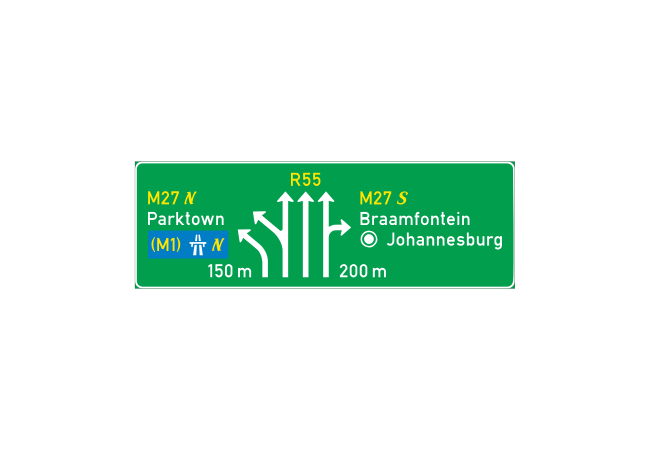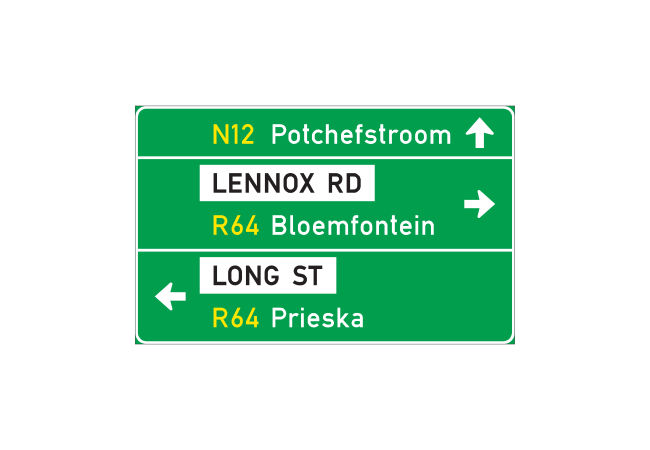
Stack-Type Advance/Composite Direction Sign
South African road sign · K53 learner's licence
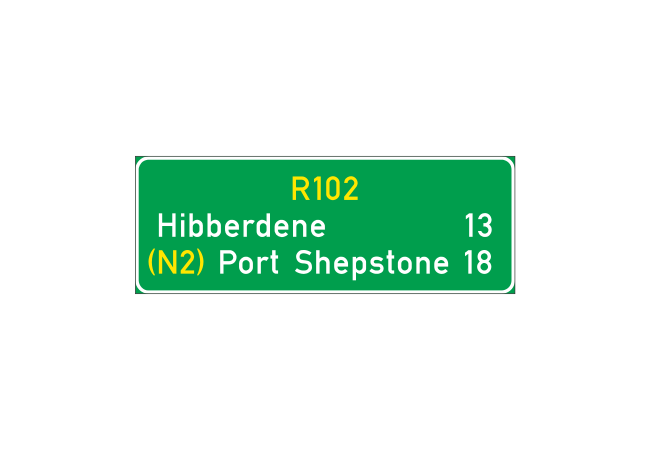
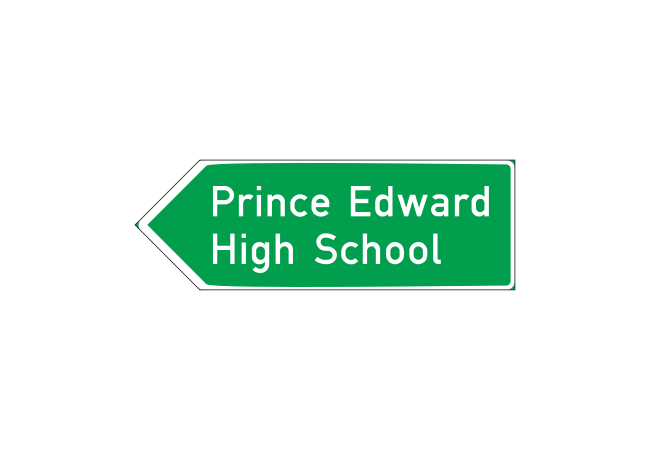
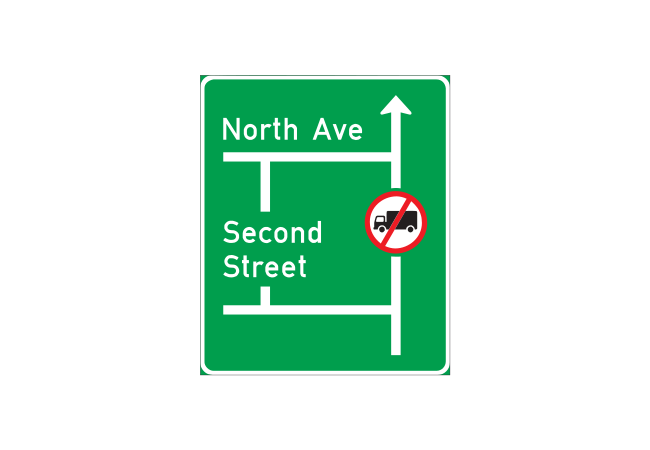
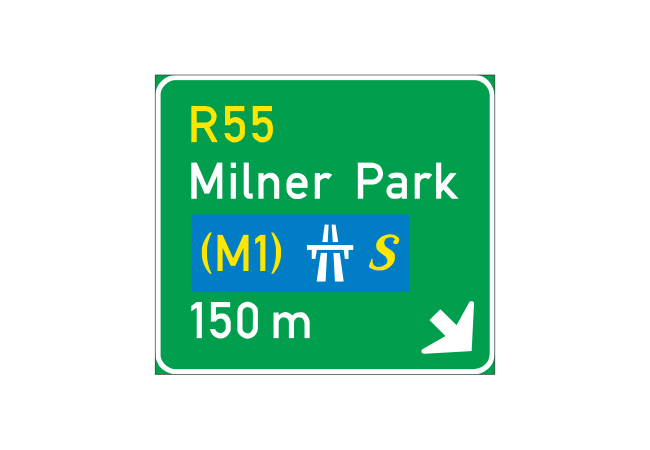
A green multi-row direction sign placed in advance of or at an intersection, showing multiple routes and destinations with their directions.
What the Stack-Type Advance/Composite Direction Sign means and what to do
What it means: This sign shows all the routes and destinations accessible from the upcoming or current intersection. Each row represents a different direction, route number, and destination name. Route numbers are shown in yellow (national routes e.g. N12), white (regional routes e.g. R64) or in parentheses for routes joining at that point. White-background panels indicate street names at the intersection itself.
Where you will see it: GD1 is placed on the left-hand side of the road in advance of an intersection. GD2 is placed at the far left corner of the actual intersection.
Driver action: Study the sign in advance and identify your destination or route number. Note the arrow direction for your chosen destination. Move to the correct lane before reaching the intersection. At the intersection, proceed in the direction indicated by the arrow next to your destination.
Key reading tip: An upward arrow means straight ahead. A right arrow means turn right. A left arrow means turn left. Yellow route numbers are national routes, white are regional routes.
Appearance: Green rectangular sign with multiple rows: each showing a route number panel, destination name in white text, and a white directional arrow.
About direction signs
. It is one of the guidance & information signs you can be asked about in the road signs section of the K53 learner's test (28 questions, pass mark 23).